 thimblewright

DateSync for Jira
Parent start and due dates that follow their children, written to the real fields, at every level.
Not yet available: DateSync is being prepared for the Atlassian Marketplace.
What it does
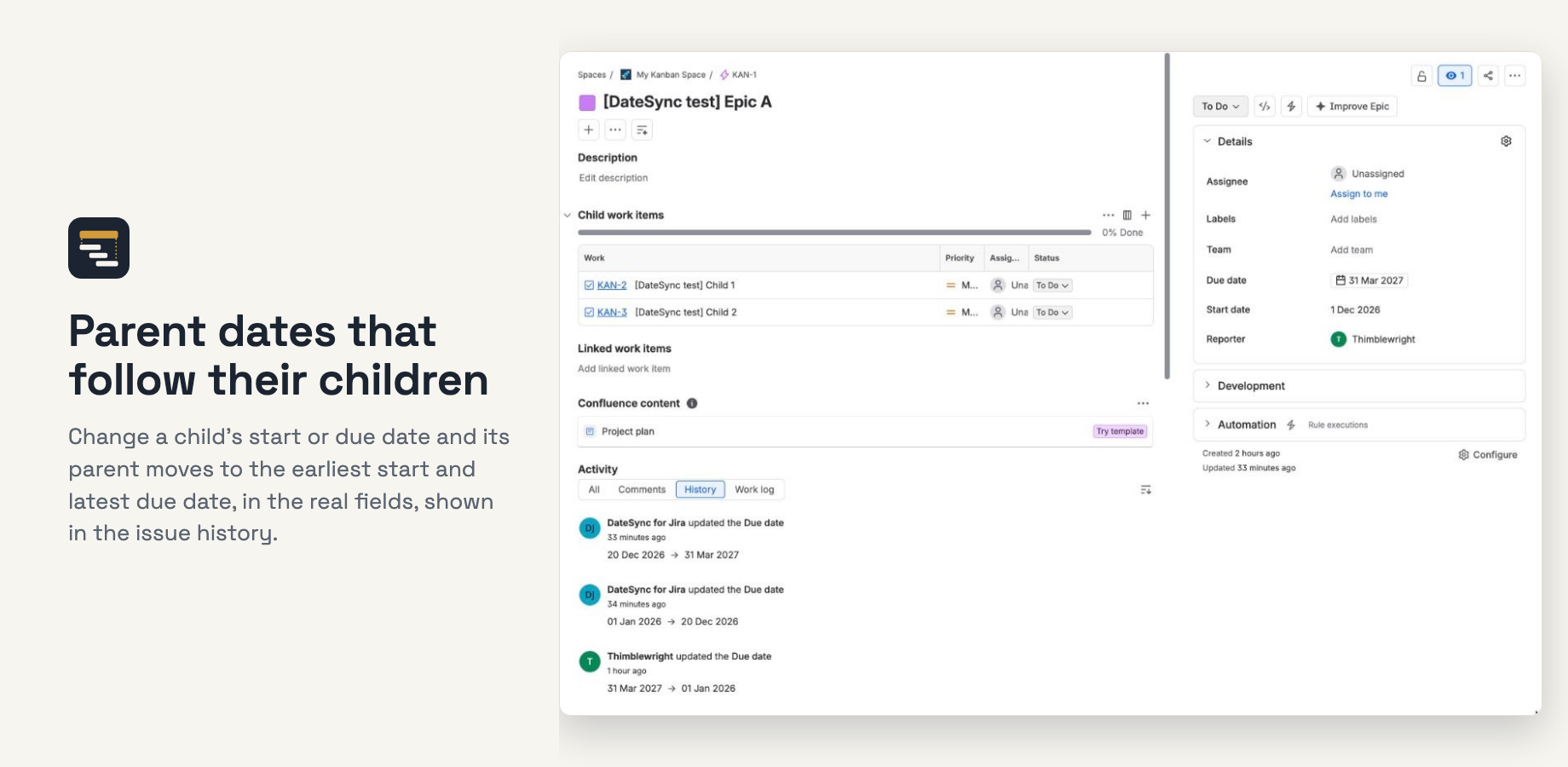
DateSync sets each parent's Start date to the earliest start of its children and its Due date to the latest due date of its children. When a child's dates change, or a child is added, moved to another parent or deleted, the parent is recalculated, and the change carries up to the next level.
- Real fields. Filters, boards, dashboards and other apps see the dates. Changes appear in the issue history as DateSync for Jira.
- Every level you choose. Epics by default; Tasks from their sub-tasks; levels above Epic, such as Initiative, where your Jira plan has them.
- Never clears a date. A parent with no dated children keeps the dates it has.
- Optional Done rule. Ignore children that are Done, so a parent follows only the open work.
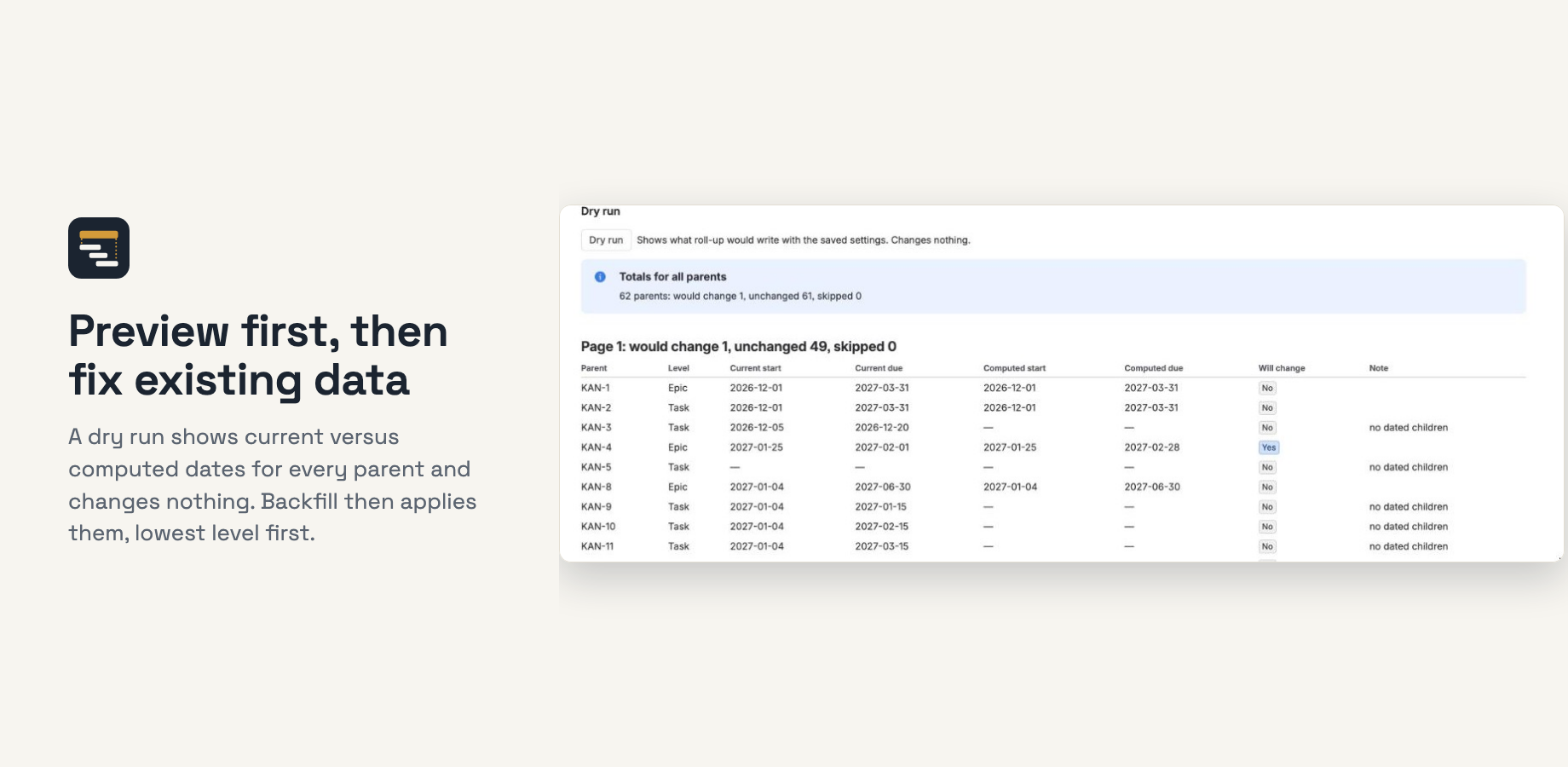
- Preview, then fix existing data. A dry run shows current versus computed dates and changes nothing; backfill applies them, lowest level first.
- Runs on Atlassian Forge. No external servers. DateSync stores no issue content.